

The search I ran on a Tuesday evening last November was “thermostat not working apartment renter temporary fix.” I had just gotten home from work, turned the heat up to 72°F, and heard nothing. No click, no fan, no warm air. The display was on, but the system was not responding. Outside it was 22°F. Inside it was 58°F and dropping.
I worked through nine renter-safe checks that night. One of them fixed the problem: the batteries. The others mostly ruled out causes, which was still useful. I almost called the landlord after the first hour, but I did not need to. The 30 minutes of troubleshooting saved a service call for a problem I could solve myself once I knew where to start.
This is the list, in the exact order I ran them. None of them requires tools beyond a flathead screwdriver, a flashlight, and about 10 minutes per fix.
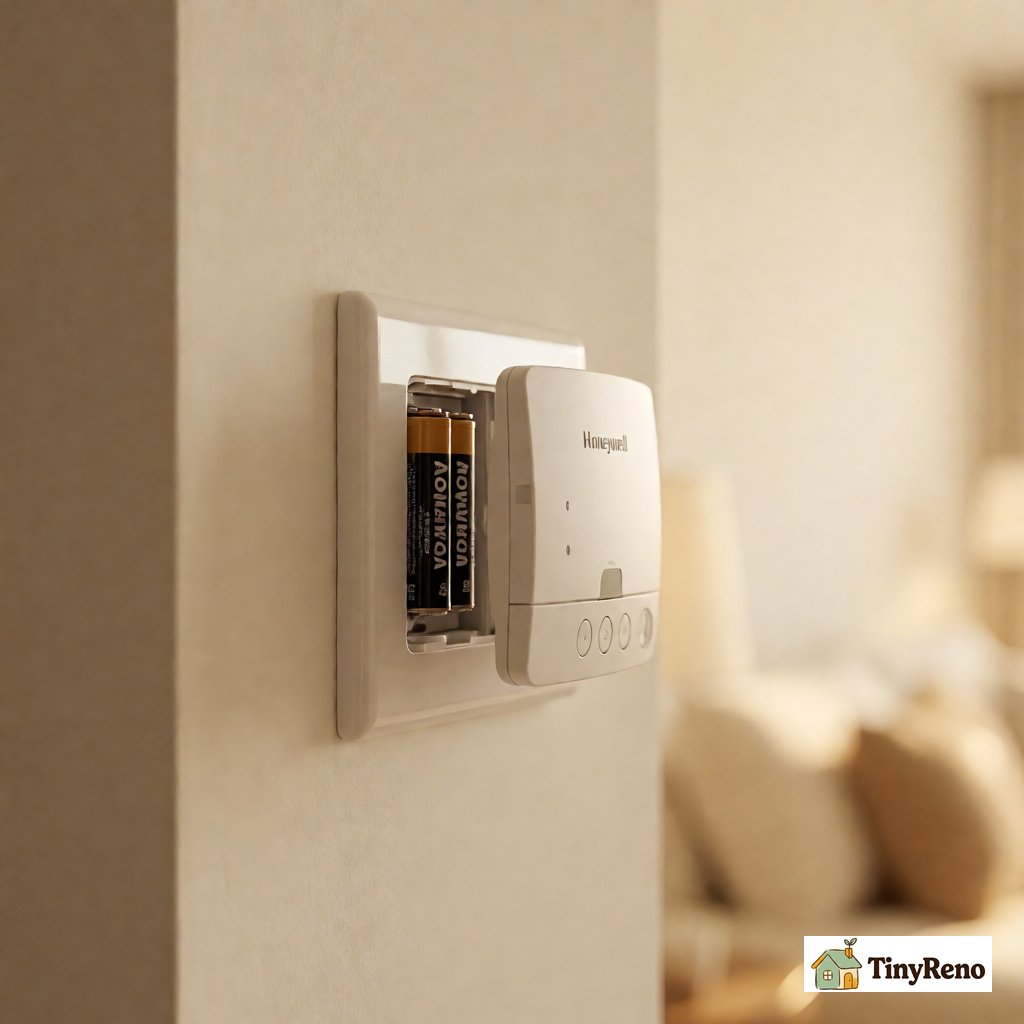
Fix 1: Replace the Batteries (Even If the Display Is On)
This is the most common cause of a thermostat that looks alive but does not call for heat, and it is the one most renters skip because the display is still lit. A thermostat with weak batteries can run the display but fail to close the relay that sends the heat signal to the furnace. The display looks fine. The system does nothing.
Most thermostats take two AA or two AAA batteries behind the front cover. Pull the cover off the wall plate, swap the batteries, and put the cover back. The whole process takes about a minute.
In my case, I checked the breaker first and then changed the batteries. The batteries in my Honeywell were dated 2019. Fresh batteries made the system click on within 30 seconds. I had wasted the first hour assuming the display meant the batteries were fine.
If your thermostat is hardwired with no battery compartment, skip to Fix 2.
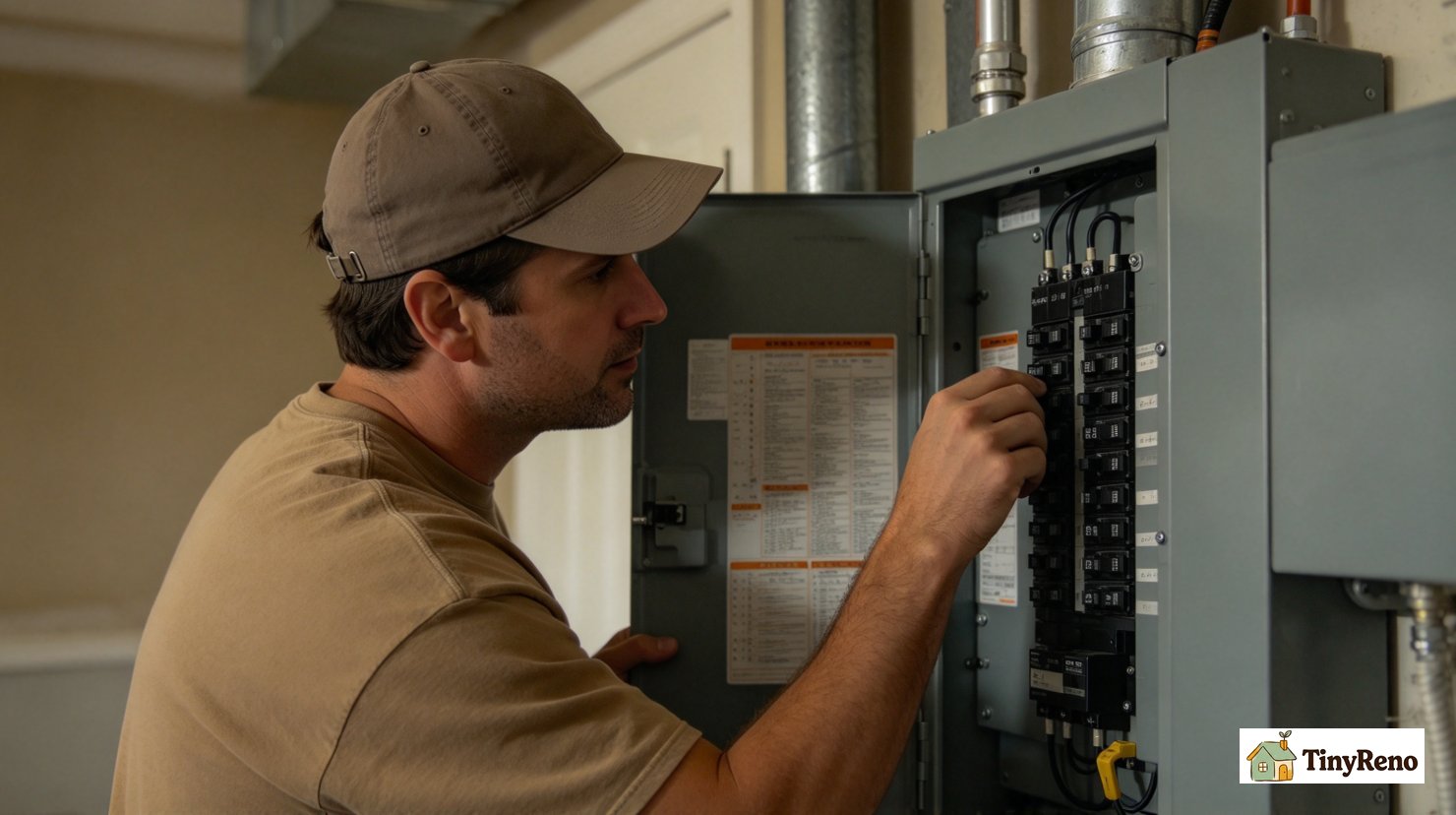
Fix 2: Check the Circuit Breaker
The furnace or heat pump has its own circuit breaker, usually labeled "Furnace" or "HVAC" in the breaker panel. If it tripped, the thermostat display may still be on (if it has battery backup) but the system has no power.
Open your breaker panel. Find the breaker labeled for the furnace or HVAC. If it is in the OFF position or the middle (tripped) position, flip it firmly to OFF and then to ON.
If the breaker trips again immediately, do not keep resetting it. There is a short somewhere in the system that needs an electrician. That is the landlord's responsibility (and potentially an emergency if it is the heating system in winter).
My breaker was on. Not the problem, but it would have been fix number three if I had not already swapped the batteries.
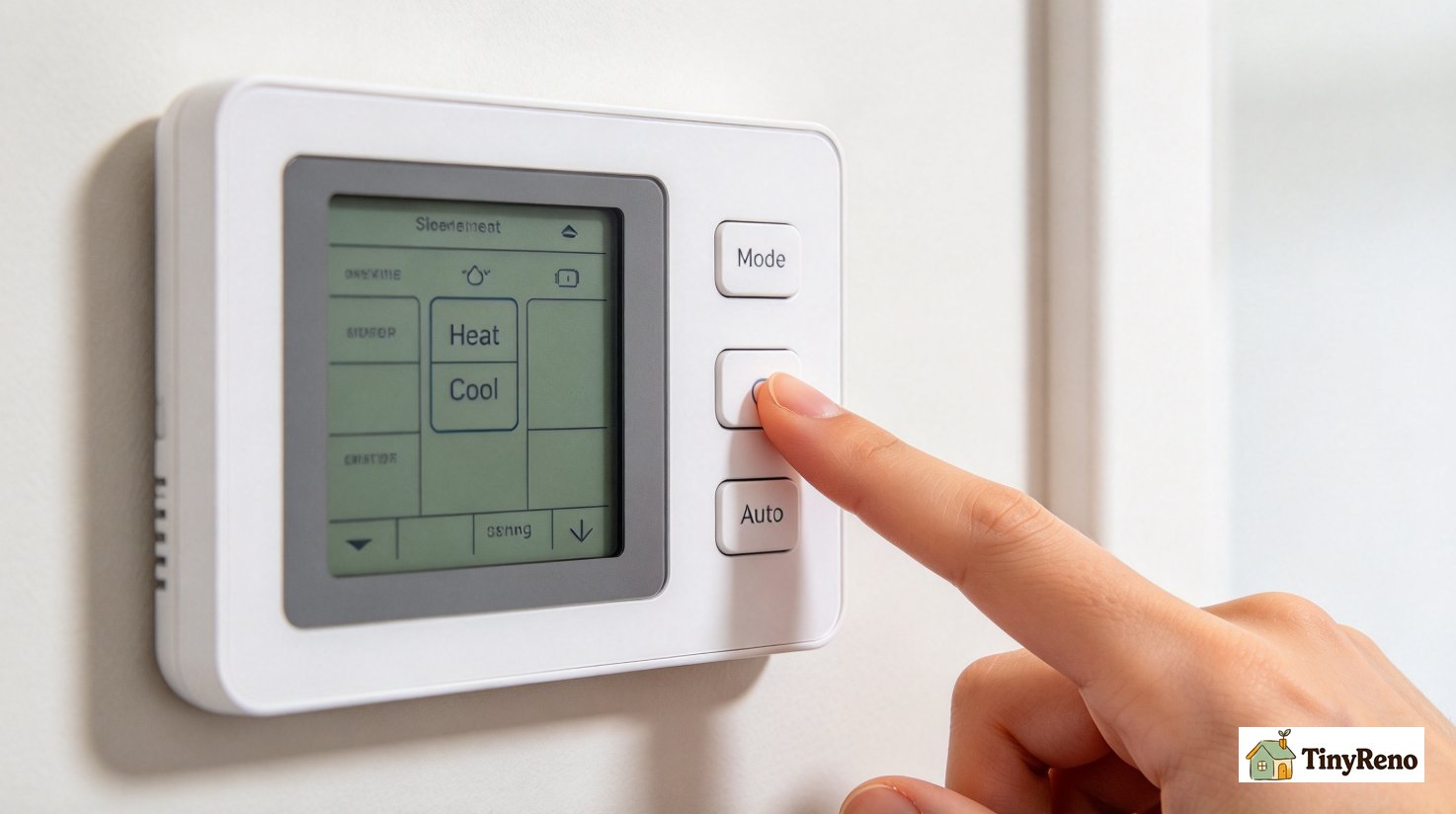
Fix 3: Check the Thermostat Mode
Many thermostat problems are not hardware problems at all. They are settings problems. The thermostat can be set to "Cool" when you want heat, or to "Fan Only" when you want heat, or to "Auto" with a fan setting that overrides the heat call.
Press the "Mode" button on the thermostat. Cycle through "Heat," "Cool," "Auto," and "Off." Make sure it is on "Heat" if you want heat, or "Cool" if you want AC.
If the thermostat is on "Heat" but the system still does not respond, the next thing to check is the setpoint temperature. The setpoint has to be higher than the current room temperature for the heat to turn on. If the setpoint is at 68°F and the room is at 70°F, the heat will not turn on no matter what you do.
Fix 4: Clean the Thermostat
Dust inside the thermostat can cause the temperature sensor to read inaccurately, which makes the thermostat either call for heat when it should not, or fail to call for heat when it should.
Pull the thermostat cover off the wall plate. Use compressed air (a $4 can from any hardware store) to blow out the dust from inside the thermostat. Pay special attention to the small holes on the front of the thermostat where the temperature sensor is. A cotton swab with a tiny bit of rubbing alcohol works for sticky residue.
I cleaned my Honeywell and noticed a thin film of dust on the temperature sensor. The reading dropped by 2°F after cleaning. Not a huge difference, but it confirmed the sensor was working correctly.
Fix 5: Check the Furnace Door Switch
Most furnaces have a safety switch on the front door panel. The switch is a small plunger that closes when the door is fully latched. If the door is not fully latched, the switch stays open and the furnace will not run.
Walk to the furnace (usually in a utility closet, basement, or attic). Open the door panel. Make sure nothing is blocking the switch. Close the door firmly until you hear it click. Try the thermostat again.
This is the most common fix for "the furnace is not responding to the thermostat." If your furnace door was recently opened for a filter change or a service call, the switch may not have closed properly.
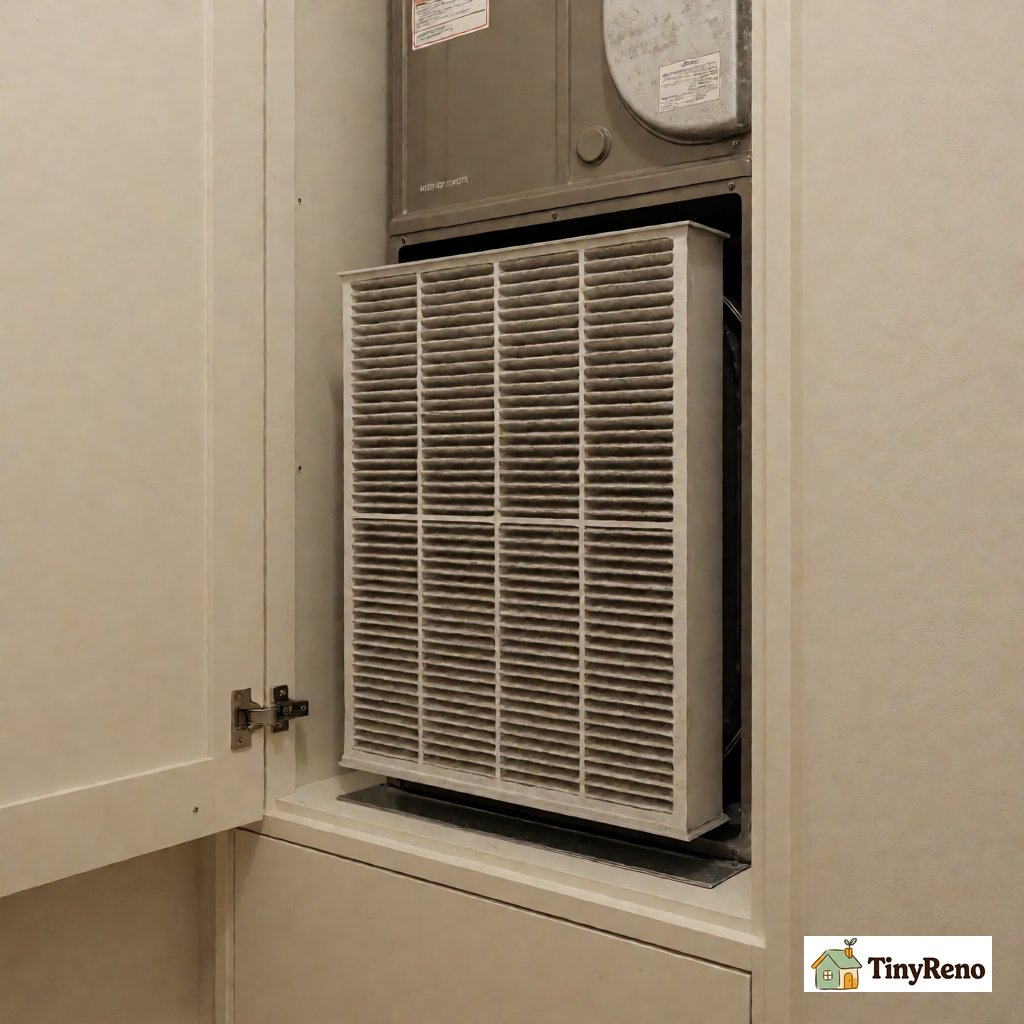
Fix 6: Replace the Air Filter
A clogged air filter can cause the furnace to overheat and shut down on a safety limit. The thermostat calls for heat, the furnace tries to run, the limit switch trips, and the furnace stops. From the thermostat's perspective, the system is not responding.
Turn off the furnace at the thermostat or the service switch before opening any panel. If the filter is behind a panel that the landlord or technician normally opens, ask before you open it. Pull out the air filter and hold it up to a light. If you cannot see light through the filter, it is clogged. Replace it with a new filter of the same size, usually printed on the filter frame.
A new filter costs $5 to $15 depending on the size and the MERV rating. The standard recommendation is MERV 8 to 11 for residential use; higher MERV ratings restrict airflow and can cause the limit switch to trip more often.
My filter was clogged. This was not the main problem (the batteries were), but it would have caused a secondary issue within a week of getting the heat back on.
Fix 7: Reset the Thermostat to Factory Defaults
If the thermostat has a "Reset" button (usually a small pinhole button on the front or side), press and hold it for 5 to 10 seconds. The thermostat will restart and lose any custom programming. You will need to reprogram the schedule and the setpoints.
This is a useful fix for two scenarios:
- The thermostat display is frozen or unresponsive to button presses.
- The thermostat is showing an error code that does not match anything in the manual.
A factory reset takes 30 seconds and costs nothing. It does not fix hardware problems, but it does clear software glitches.
Fix 8: Check for a "Hold" or "Vacation" Setting
Many programmable thermostats have a "Hold" feature that locks the temperature at a specific setpoint until you manually cancel it. If a previous tenant or a maintenance worker set the thermostat to "Hold" at 65°F, the system will not respond to any setpoint changes until you cancel the hold.
Look on the thermostat display for a word like "Hold," "Permanent Hold," or "Vacation." Press the "Cancel Hold" or "Run Schedule" button to return to normal operation.
This is more common than you would think. Maintenance workers sometimes set the thermostat to a low setpoint before entering a unit for repairs and forget to cancel the hold. If you moved in recently and the thermostat has been unresponsive since move-in, this is the first thing to check.
Fix 9: Verify the Thermostat Is Compatible With the Furnace
This is a less common issue but it does happen, especially in older apartments with newer smart thermostats. If a previous tenant installed a smart thermostat that does not match the wiring in your furnace, the thermostat can power on but not actually control the system.
Open the thermostat cover and look at the wiring. Most thermostats have 5 wires: R (red, power), W (white, heat), Y (yellow, cool), G (green, fan), and C (blue, common). If any of these wires are missing or not connected at the thermostat, the system cannot control that function.
If you see a wire missing or disconnected, this is the landlord’s responsibility to fix. Do not add, move, or jumper thermostat wires yourself. Low-voltage thermostat wiring is not a major shock hazard, but touching the wrong wires together can short the transformer or damage the furnace control board. Photograph the wiring and send the photo to the landlord or technician.
The 2 Fixes That Need the Landlord
If you have tried the 9 fixes above and your thermostat not working apartment renter temporary fix attempt still has the system down, the problem is almost certainly one of these two:
- A failed thermostat. The thermostat itself has failed and needs replacement. Heat is treated as a habitability issue in many states, but the exact landlord obligation and repair timeline depend on your state and lease. Send a written repair request with a photo of the thermostat’s current state, the display, any error code, and a list of what you have tried.
- A failed furnace, heat pump, or boiler. The heating system itself has failed. This is a more serious habitability problem. Many states require repairs within a reasonable time and some have specific emergency heat rules, but the deadlines vary. If the landlord does not respond, check your state’s landlord-tenant statute and contact your local housing authority or code enforcement.
The Temporary Workaround That Works Tonight
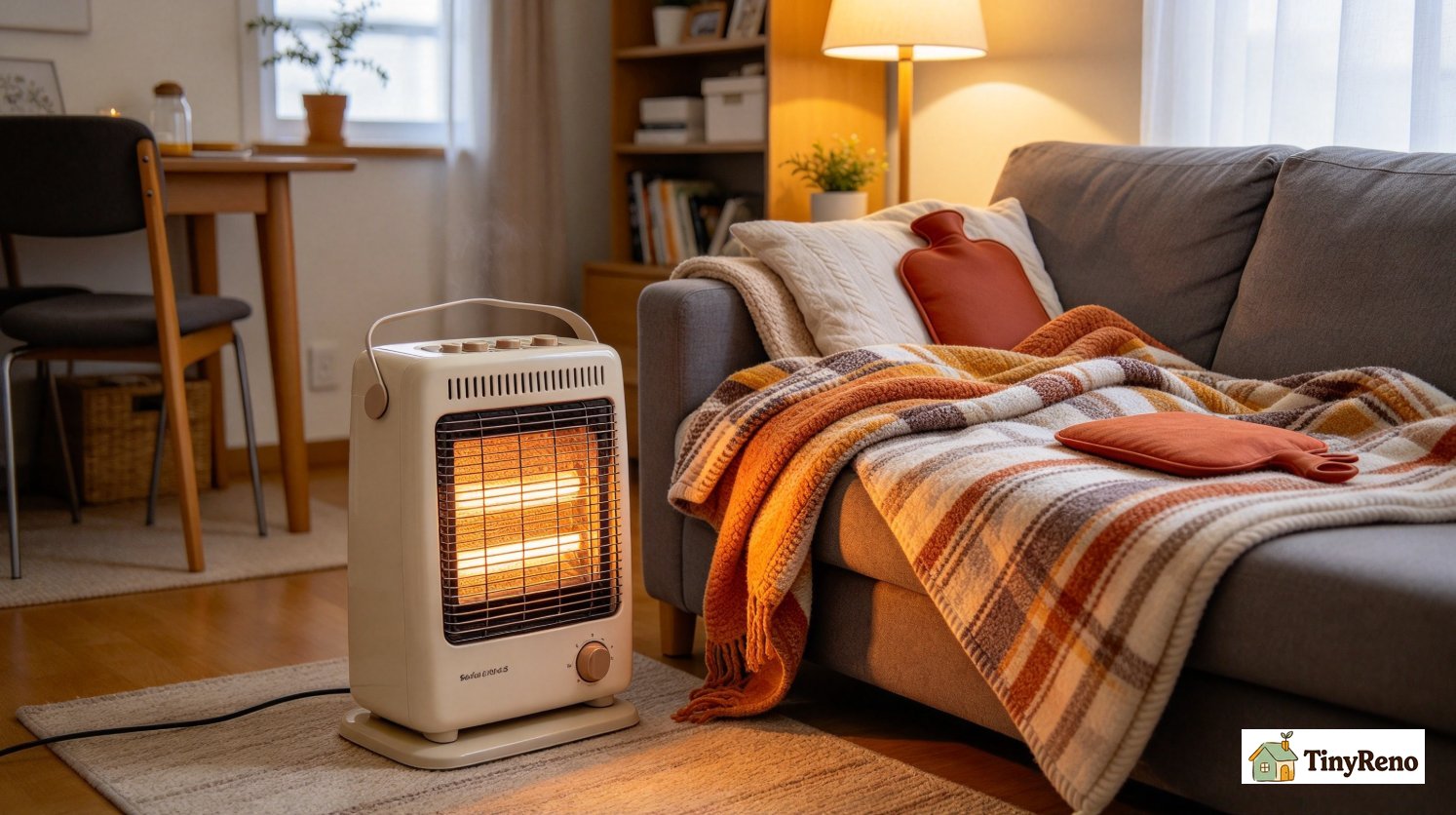
If the thermostat still does not respond after the checks above, and the apartment is below 60°F in winter, you need heat tonight while you wait for the landlord or a technician. In my case the batteries fixed it, so I did not need this workaround. If your system is still down, here is the temporary setup I would use:
- Two small space heaters ($45 each from a hardware store). Run one in the living room during the day, one in the bedroom at night. Together they keep a small apartment at 65°F when the outside temperature is in the 20s.
- A heavy comforter plus a wool blanket on the bed. The combination is genuinely warm enough to sleep in a 55°F room.
- Hot water bottles or microwavable heat packs. Two of these in the bed, warmed up before sleep, give 4 to 6 hours of direct body heat.
- Hot drinks throughout the day. Tea, coffee, hot chocolate, soup. The internal warmth adds 1 to 2°F to your comfort level even if the air temperature stays the same.
- Layered clothing indoors. I wore a base layer, a flannel shirt, a fleece pullover, and a wool sweater at home for 36 hours. Unfashionable but effective.
None of these are a substitute for a working heating system. They are a bridge between "the heat stopped working" and "the landlord sent a repair person." For me, that bridge was 36 hours. For you it might be 4 hours or 4 days.
When the Thermostat Comes Back
Once the landlord fixes the thermostat (or replaces it), there are a few things to do to make sure the problem does not recur:
- Note the new thermostat's battery type (usually AA or AAA) and put a reminder in your phone to replace them every 12 months.
- Photograph the thermostat's wiring at the wall plate, so you can show a future repair person what it should look like.
- Save the thermostat manual in a kitchen drawer for reference. Most thermostats have a 5 to 10 year lifetime; the manual is useful when it fails.
- Test the thermostat at the start of every heating season (October or November). Run the heat for 10 minutes, confirm warm air comes out, set it back to the normal temperature. This catches problems before the first cold night.
What I Learned
The thermostat stopped responding because the batteries were old. That is the first fix in the list above and the most common cause of this problem. I had assumed, without checking, that the batteries were fine because the display was on. That assumption cost me an hour of troubleshooting before I got to the right answer. The other checks were still useful, because they ruled out the breaker, the mode setting, and the furnace door switch.
The lesson, which applies to most household problems: start with the simplest, cheapest, most common cause before working through more complex possibilities. A $0 fix is always better than a $150 service call, even if it takes 30 minutes of testing to find.
The thermostat is now on a fresh set of batteries. I have a reminder in my phone for October 2027 to replace them again. The apartment has not lost heat since.


Discussion (0)
Sign in to join the discussion