

The first time I heard someone call satellite internet a reasonable substitute for home broadband, it was Tom from 3B telling me why his month-old phone bill was forty dollars. He had moved into a Cleveland duplex in August with no coax jack, no fiber line, no DSL port on the wall. The landlord said the previous tenant took the cable modem when they left. Tom had three options on the table—a satellite internet setup, a mobile hotspot, or tethering his phone—and he picked satellite because the upload speed on the spec sheet looked better. Eight months later he's still on it. Eight months later he also pays eighty dollars a month for 100 GB of data and complains about it twice a week.
I've since watched three different renters on my floor go through the same decision. Tom with his satellite dish bolted to the railing of his back porch. Lena with a T-Mobile hotspot the size of a deck of cards. Dev with his phone tethered to his laptop over USB because he couldn't get either of the first two to work in his apartment. None of them are thrilled. None of them had broadband installed before they moved in, and all three thought they had a real choice.
That decision is more constrained than the marketing materials suggest. The right answer depends on where you live, how much data you actually use, and how long you can wait before someone runs a real cable to your door. This is what I'd walk through with a friend who called me on moving day and said "I don't have home internet yet."
Tom from 3B: Satellite Internet for the Rural-Adjacent Renter
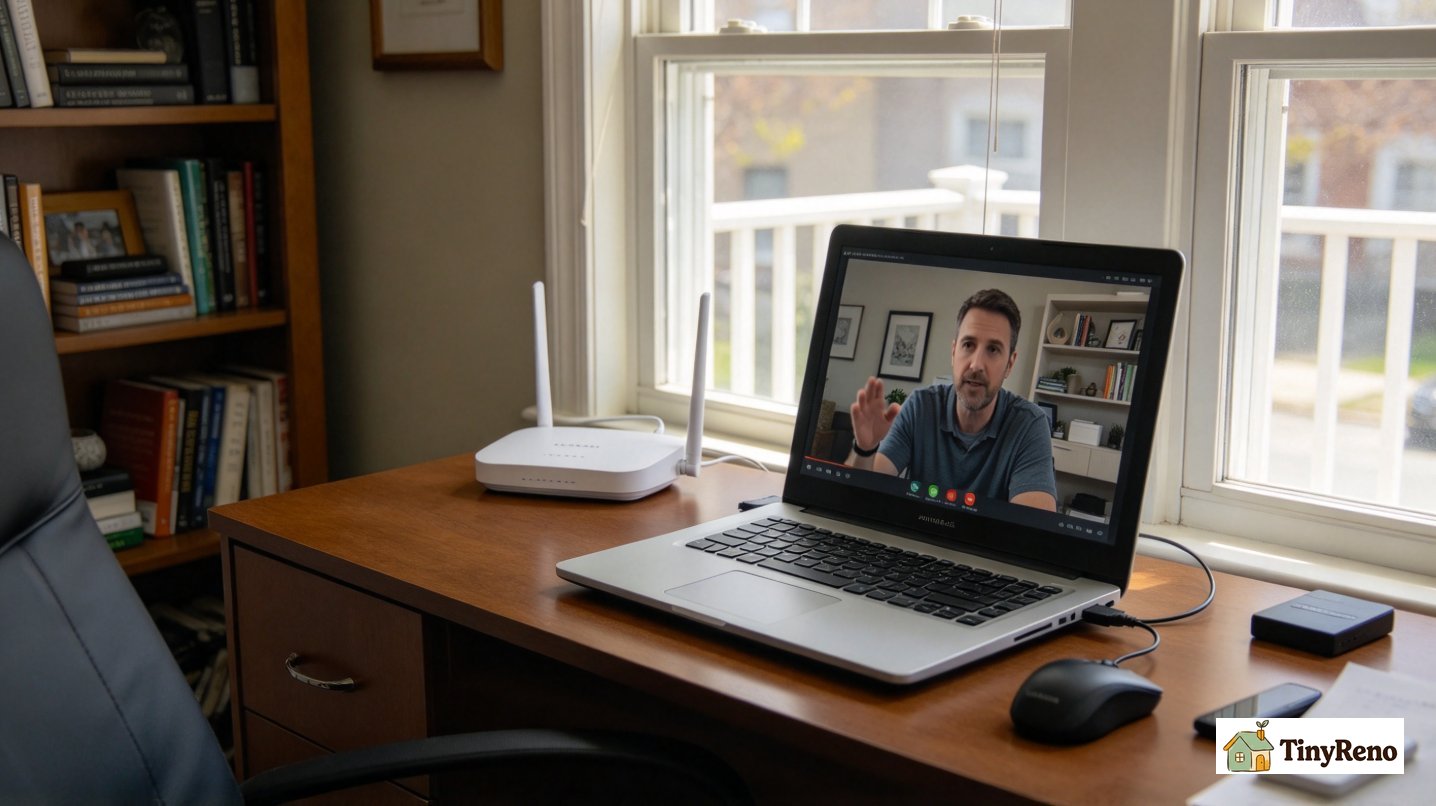
Tom's situation looked like the satellite industry's pitch deck. His Cleveland duplex sits in a part of town where cable and fiber are technically available, but his landlord refused to pay for the install and Tom didn't want to commit to a two-year contract on an apartment he might leave in twelve months. Starlink is the obvious name here, and it's what Tom ordered. The dish showed up three weeks later. The bill showed up four weeks after that: $120/month for the residential plan, then discounted to $80 with a one-year "rural" promotion he qualified for because his zip code is borderline. The kit itself cost him $599 up front.
The good news is that the speeds are real. Tom gets between 50 and 150 Mbps down depending on the weather and the time of day, which is faster than most cable plans he could have gotten if the coax had been live. Latency is around 40-60ms, which is fine for streaming and video calls but noticeable if he plays first-person shooters online. He works from home two days a week and the connection holds up fine for Zoom and large file uploads to GitHub.
The bad news is the data cap. Tom's plan is capped at 1 TB per month. After four months of streaming his daughter Bluey in 4K while his wife works from home on a separate Zoom call, he hit the cap in week three of his last billing cycle and his speeds dropped to under 5 Mbps for the rest of the month. That's not a satellite-specific problem — it's a function of how much data a working-from-home household actually uses — but it shows up faster on satellite because the overage behavior is harsher than cable. Comcast throttles you; Starlink throttles you to almost nothing.
Tom's takeaway, eight months in: it works, but only because he's a light gamer and his wife knows how to download files overnight. He wouldn't recommend it to anyone who works from home full-time and isn't willing to think about data caps like a budget line. His actual monthly cost has averaged $83, which is more than the $60 he would have paid for Xfinity if his landlord had let him install it. The upside is the install happened in a week. The downside is everything else.
Lena from 3C: A Mobile Hotspot as a Stopgap
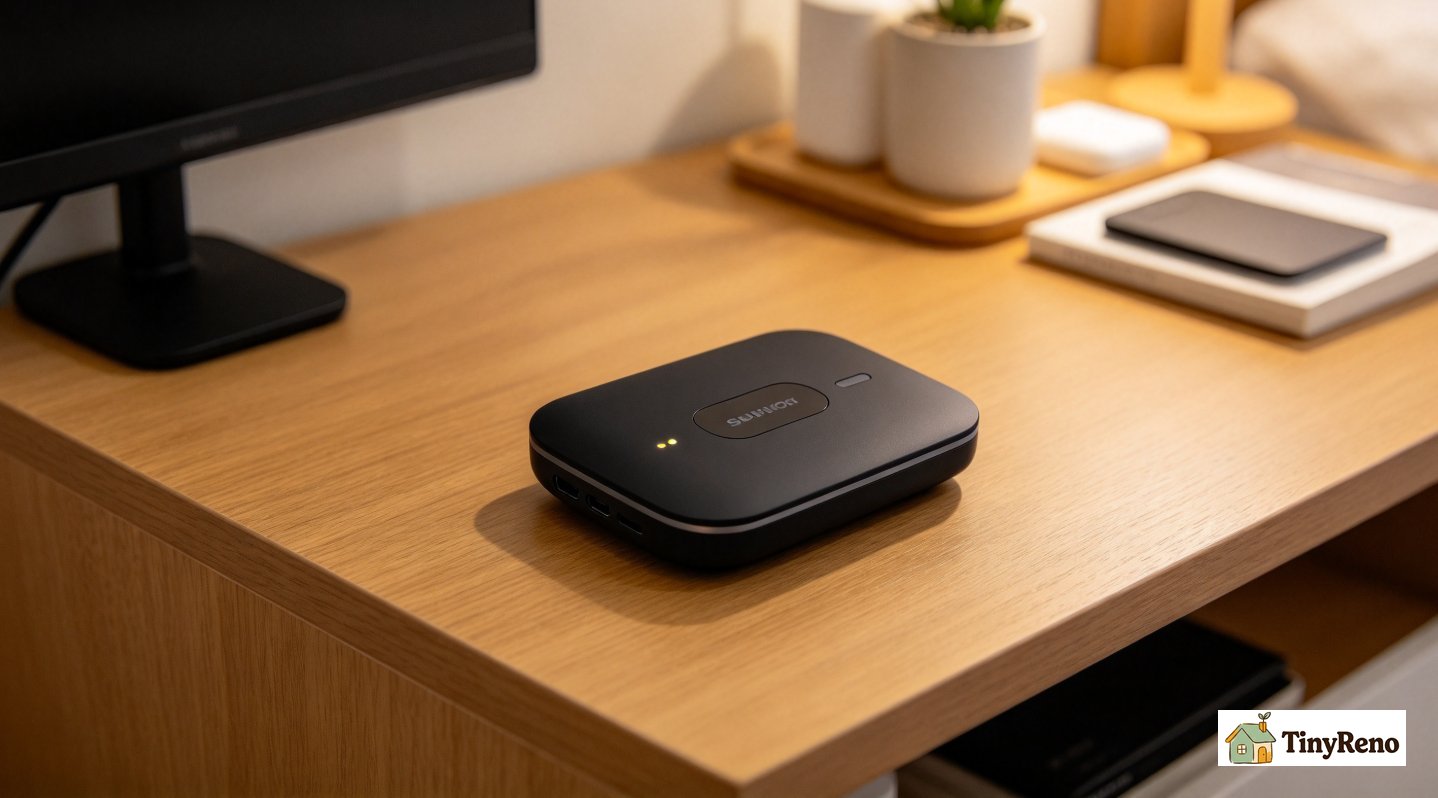
Lena's situation was different from Tom's. She picked the cheapest available option: a mobile hotspot from T-Mobile. The device cost her $72 outright and the data plan is $50/month for 50 GB. Total first-month cost: $122. After that: $50.
The hotspot itself is a small black rectangle about the size of a deck of cards. It runs on a rechargeable battery, broadcasts a WiFi network, and uses T-Mobile's cellular network to get online. Speeds in our building are between 20 and 80 Mbps depending on the time of day and how many of her neighbors are also on T-Mobile. For most things — email, web browsing, streaming in standard definition — it's fine. She streams Netflix at 1080p without buffering most evenings.
The catch is also data. 50 GB a month is not a lot. Lena and her partner work in-person jobs and use the connection mainly for streaming, browsing, and a few hours of video calls each week. They hit the cap about two weeks into every billing cycle. After that, the connection doesn't shut off — T-Mobile just throttles hotspot speeds to 600 Kbps, which is fast enough for email but useless for video. They supplement with phone data for the second half of every month.
For Lena this is fine because she's used to it. She watched her parents run a household on a single DSL line growing up, and 600 Kbps feels normal to her. For someone whose previous apartment had 300 Mbps cable, the downgrade is jarring. She's also noticed that during the workday, when the cellular network is loaded with other people using their phones for remote work, the hotspot slows down. Evenings and weekends are noticeably faster.
Lena's takeaway after five months: it's the cheapest option that actually works, and it's fast enough for casual use, but it's not a substitute for broadband. She's going to switch to a real home internet plan when her lease comes up for renewal. For now, she's paying $50/month and treating it as a stopgap. The reason it's lasted is that the two of them aren't heavy users and they're okay with the second-half-of-the-month throttling.
Dev from 3D: Phone Tethering as the Free Option That Isn't
Dev's situation was different from Tom's and Lena's. He couldn't get the satellite dish installed on his side of the building without violating his lease, and his credit was too new to qualify for a postpaid hotspot plan. He did what a lot of people do when they can't get a normal internet plan: he tethered his phone to his laptop over USB and used his T-Mobile unlimited data plan as his home connection.
The cost on paper was zero — his phone plan already had unlimited data, so tethering didn't add anything to his bill. The cost in practice was higher than either Tom's or Lena's setup, but in ways that don't show up on a credit card statement. Tethering is hard on a phone's battery, hard on the cellular modem, and hard on the unlimited plan's fine print. After six weeks, T-Mobile sent him a text saying his usage was "outside the typical range" for unlimited customers and warning him that continued tethering could trigger a plan review. He slowed down.
The real problem with tethering is that it's not built for it. Speeds depend entirely on how good the cell signal is in your apartment, which is something you can't know until you've already signed the lease. In our building, the back apartments get one bar of T-Mobile and the front apartments get three, and that difference is the difference between a workable connection and a daily frustration. Dev's apartment has one bar. After the T-Mobile warning he switched to Metro by T-Mobile, which has a less aggressive tethering policy, and his speeds dropped further because Metro uses different deprioritization rules.
Dev's takeaway after three months: tethering is free on paper and unsustainable in practice. It's fine for a few days while you figure out a real plan. It's not fine for months. He ended up signing a two-year fiber contract with Frontier at $50/month and using his phone for what phones are for. The reason he'd never tether as his main connection again: the cell signal in his apartment was too weak to support video calls, and the warning from T-Mobile made the whole setup feel temporary and stressful.
What's Actually Available at Most US Addresses — and What Isn't
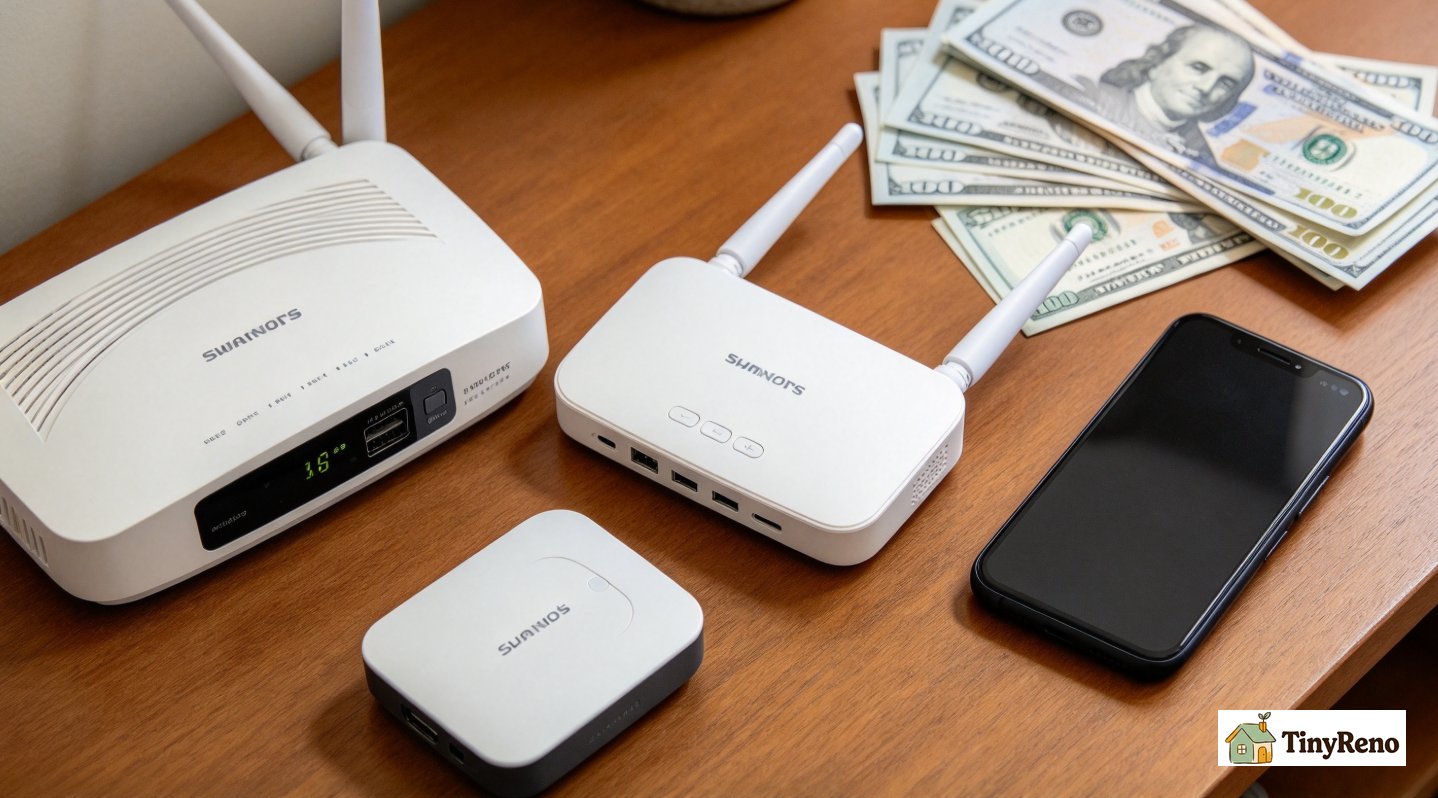
The reason these three renters ended up with three different non-traditional setups is that none of them had a working broadband jack on move-in day. That is a more common problem than the marketing for cable and fiber suggests. The FCC's broadband definition is 25 Mbps down and 3 Mbps up, and most urban addresses qualify. But "qualified" on a coverage map and "you can plug a modem in today" are two different things. An apartment where the previous tenant's service was disconnected and the landlord hasn't reconnected anything can be effectively offline for weeks while you wait for an install appointment.
The cheapest option at most addresses is whatever cable provider covers your zip code. Comcast/Xfinity, Spectrum, and Cox all do self-install kits that ship next-day for around $30 if you have an active jack. If you don't have an active jack, the install is $50-100 and takes 5-10 business days. Fiber is similar — Verizon Fios, Frontier, AT&T Fiber — with the same wait time and slightly higher monthly cost ($50-70 vs $30-60 for cable).
If your address is genuinely unserved by cable and fiber, your options narrow to what the FCC calls "advanced wireless": fixed wireless from a WISP (wireless internet service provider) like Rise or Etheric, mobile hotspots from Verizon, T-Mobile, and AT&T, and satellite from Starlink, HughesNet, or Viasat. Pricing varies from $50/month for a 50 GB hotspot to $120/month for a 1 TB Starlink plan. Starlink is the satellite provider most renters consider because its latency is low enough for video calls, but HughesNet and Viasat also offer satellite service in areas where nothing else is available. Their latency is higher and their data caps are tighter, so they are usually a last resort.
The question that drove Tom, Lena, and Dev to three different setups was not "what's available." It was "what's available without a two-year contract, a credit check, or an install wait." Tom didn't want a contract on an apartment he might leave in a year. Lena wanted the cheapest option. Dev couldn't pass a credit check for a postpaid plan. All three would have chosen a cable self-install kit if it had been plug-and-play on day one. None of them were willing to wait two weeks for an install on an apartment they might leave in a year. So they picked the imperfect option that worked immediately.
What I'd Actually Recommend on Moving Day
If I were moving into a new apartment tomorrow and the previous tenant's internet was disconnected, here is the order I'd try things in.
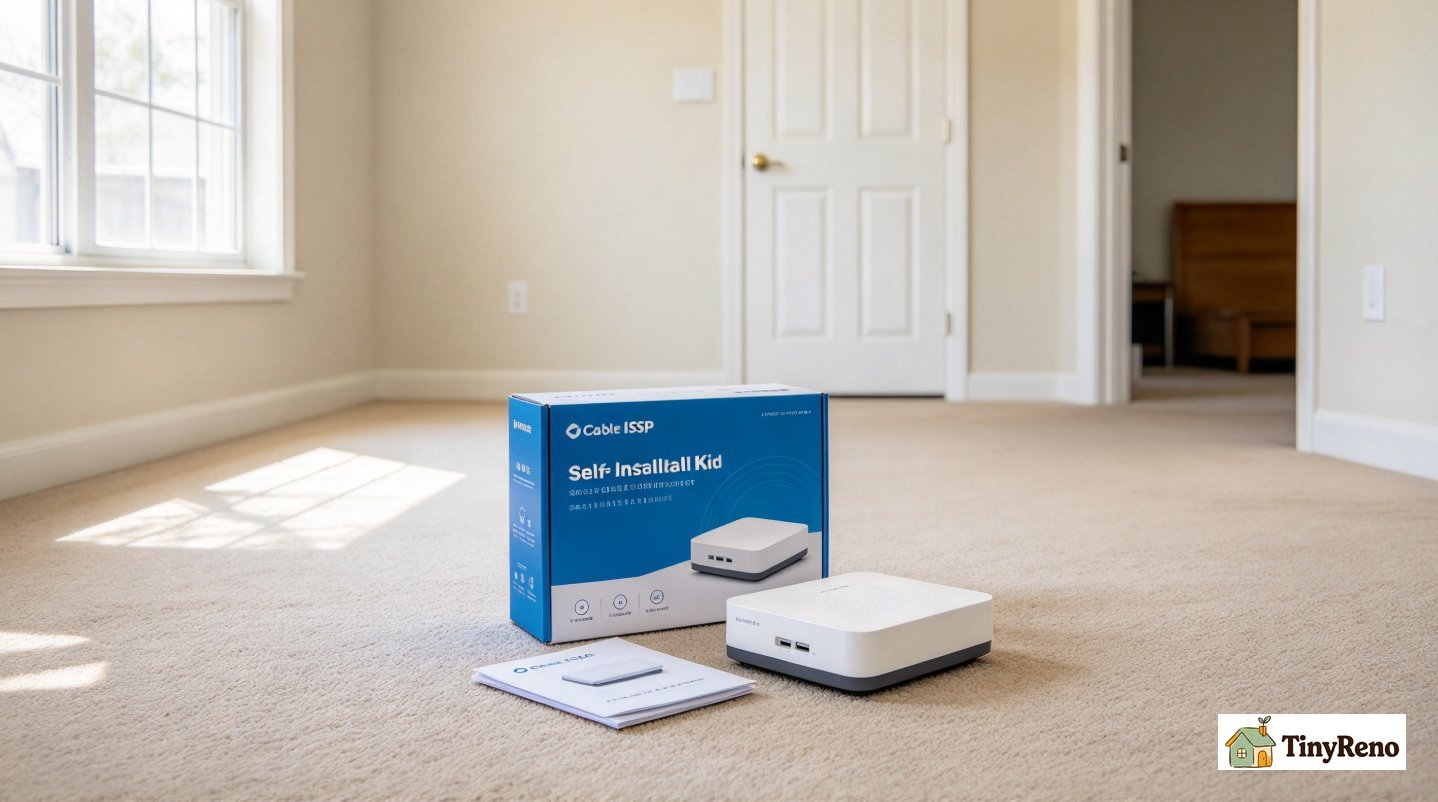
First, ask the landlord if there's an active coax or fiber jack in the unit. If yes, order the cable provider's self-install kit the same day. It usually arrives next-day and takes 15 minutes to set up. Total cost: $30 for the kit, $30-60/month for service.
Second, if there's no active jack but the building has cable infrastructure, schedule a professional install. Most providers do it for $50-100 and it takes 5-10 business days. If your lease is 12 months or longer, this is the right move.
Third, if there's no infrastructure and no timeline for install, get a mobile hotspot. T-Mobile, Verizon, and AT&T all have 50 GB plans for $50/month, and the device is $50-100. This is what Lena did. It's not broadband, but it's the cheapest option that works the day you move in.
Fourth, if the cell signal at your address is so weak that a hotspot doesn't get usable speeds, look into satellite. Starlink has the lowest latency among satellite providers and a 1 TB priority data plan. The up-front cost is $599 for the dish, the monthly is $80-120, and it works in most places that don't have cable. This is what Tom did. It's also the option that looks the most like real broadband.
Fifth, tethering as a long-term solution. Don't. It works for a few days, it costs nothing on paper, and it will eventually get flagged by your carrier. Use it to bridge the gap while you wait for something else.
The reason I'm laying it out in this order is that the marketing for satellite internet hotspot service and mobile hotspots makes them sound like reasonable substitutes for broadband. For most renters with broadband available at their address, they aren't. They're stopgaps. They're what you use for the two weeks it takes to schedule a real install. Tom's satellite internet hotspot setup lasted eight months because he got lucky with his zip code's promotion and his household's data usage was lower than average. Lena's hotspot lasted five months because she and her partner are light users. Dev's tethering lasted three months because his carrier flagged him and his cell signal was too weak to work anyway.
If you're moving into a new place and the previous tenant's internet isn't active, the right move on day one is to order the cable provider's self-install kit. If that's not an option, the next move is a hotspot. Satellite comes after that. Tethering is the last resort.
The thing to keep in mind is that none of these are permanent solutions unless you live somewhere where broadband genuinely isn't available. If your address has cable or fiber, the wait for install is shorter than you think, and the cost is lower than any of the alternatives. Tom, Lena, and Dev all knew that going in. They just had reasons not to wait. Most renters don't have those reasons.


Discussion (0)
Sign in to join the discussion